Clickable Online Prototypes Advice
Advice on How to Create Clickable Online Prototypes
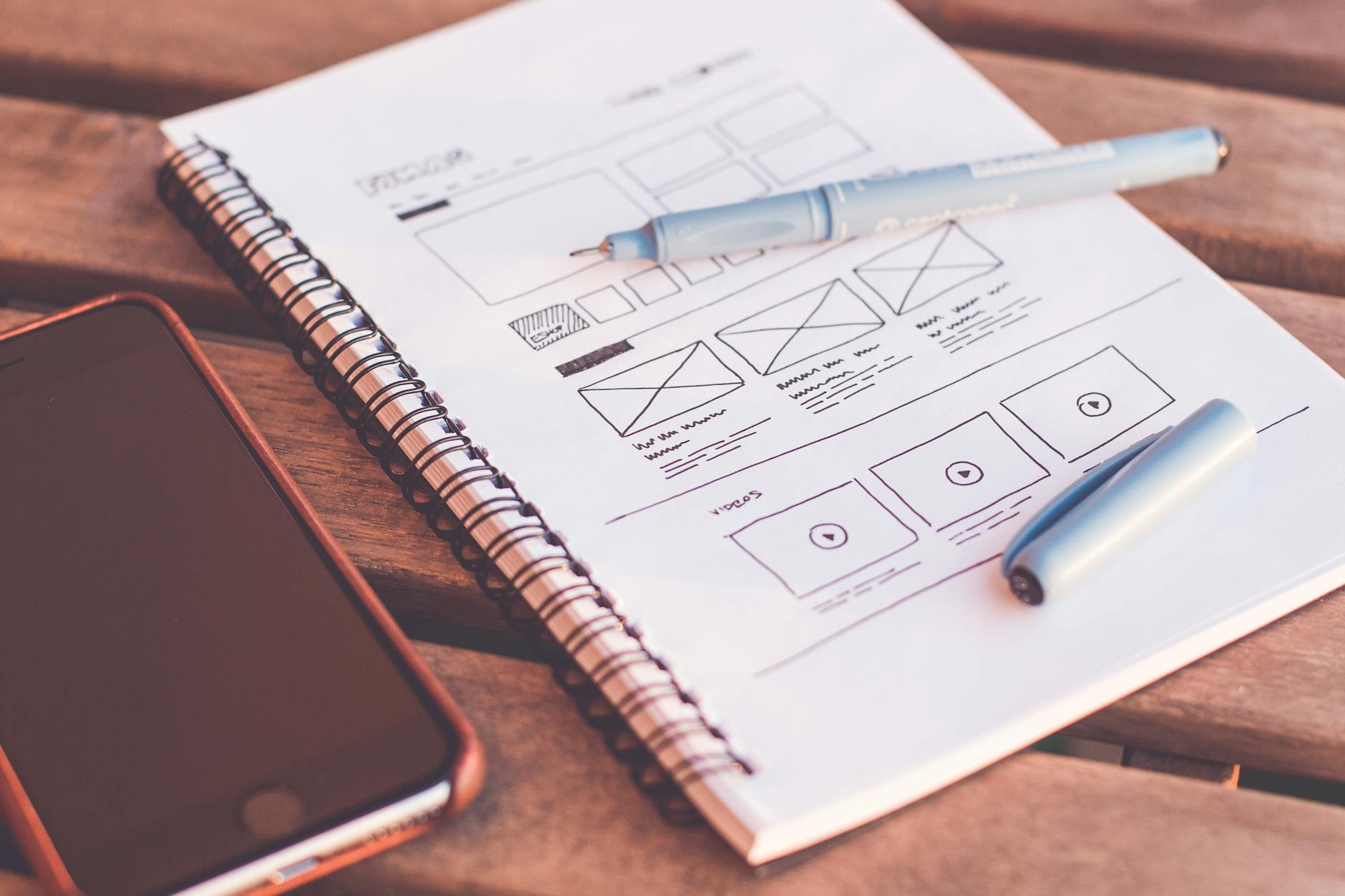
Creating clickable online prototypes is an essential step in the design process. They allow designers and stakeholders to visualize the end product and gather feedback before development begins. Here are some effective strategies to create engaging and functional prototypes.
1. Define Your Goals
Before diving into prototyping, clearly outline the goals of your prototype. Are you testing a specific feature, or is it a complete user journey? Understanding your objectives will help you focus on the elements that matter most.
2. Choose the Right Tools
There are numerous tools available for creating prototypes, each with its own strengths. Popular options include:
- Figma: Great for collaborative design.
- Adobe XD: Best for high-fidelity prototypes.
- InVision: Excellent for creating interactive prototypes.
Select a tool that aligns with your team's workflow and the complexity of your project.
3. Focus on User Experience
Always keep the user experience (UX) at the forefront of your design. Ensure that navigation is intuitive, and consider the following:
- Use familiar icons and labels.
- Maintain consistency in design elements.
- Incorporate feedback loops to gauge user reactions.
4. Create Interactive Elements
Clickable prototypes should mimic real user interactions. Include buttons, links, and other interactive elements to provide a realistic experience. Use transitions and animations to enhance the flow and make it feel more like the final product.
5. Gather Feedback
Once your prototype is ready, share it with stakeholders and potential users. Collect feedback through surveys or usability tests to understand what works and what doesn’t. This input is invaluable for refining the design.
6. Iterate and Improve
Prototyping is an iterative process. Use the feedback received to make necessary adjustments. This may involve tweaking the design, altering user flows, or even redefining your goals based on user interactions.
7. Document Your Process
Keep a record of your design decisions and the rationale behind them. Documentation helps maintain clarity among team members and serves as a reference for future projects.
“Prototyping is not a phase; it’s an ongoing process that should evolve with the project.”
Conclusion
Creating clickable online prototypes is a dynamic and rewarding process. By defining clear goals, leveraging the right tools, focusing on user experience, and iterating based on feedback, you can develop prototypes that effectively communicate your vision and facilitate productive discussions.